
Sumus quick start
Go from sign-in to your first finished task in about two minutes. Start a chat, give an AI teammate a job, and let it bring in the help it needs.
The latest flagship models, together.
- Claude
- GPT
- Grok
- DeepSeek
- Gemini
Getting started with Sumus
1. Sign in
Go to sumus.im and sign in with Google or email. You land in your workspace on the Free plan with 1,000 credits a month.
2. Start a chat
Open a new conversation and type what you need, the way you would message a friend: "Compare these three CRMs for a 5-person team and give me a one-page recommendation."
3. Invite people
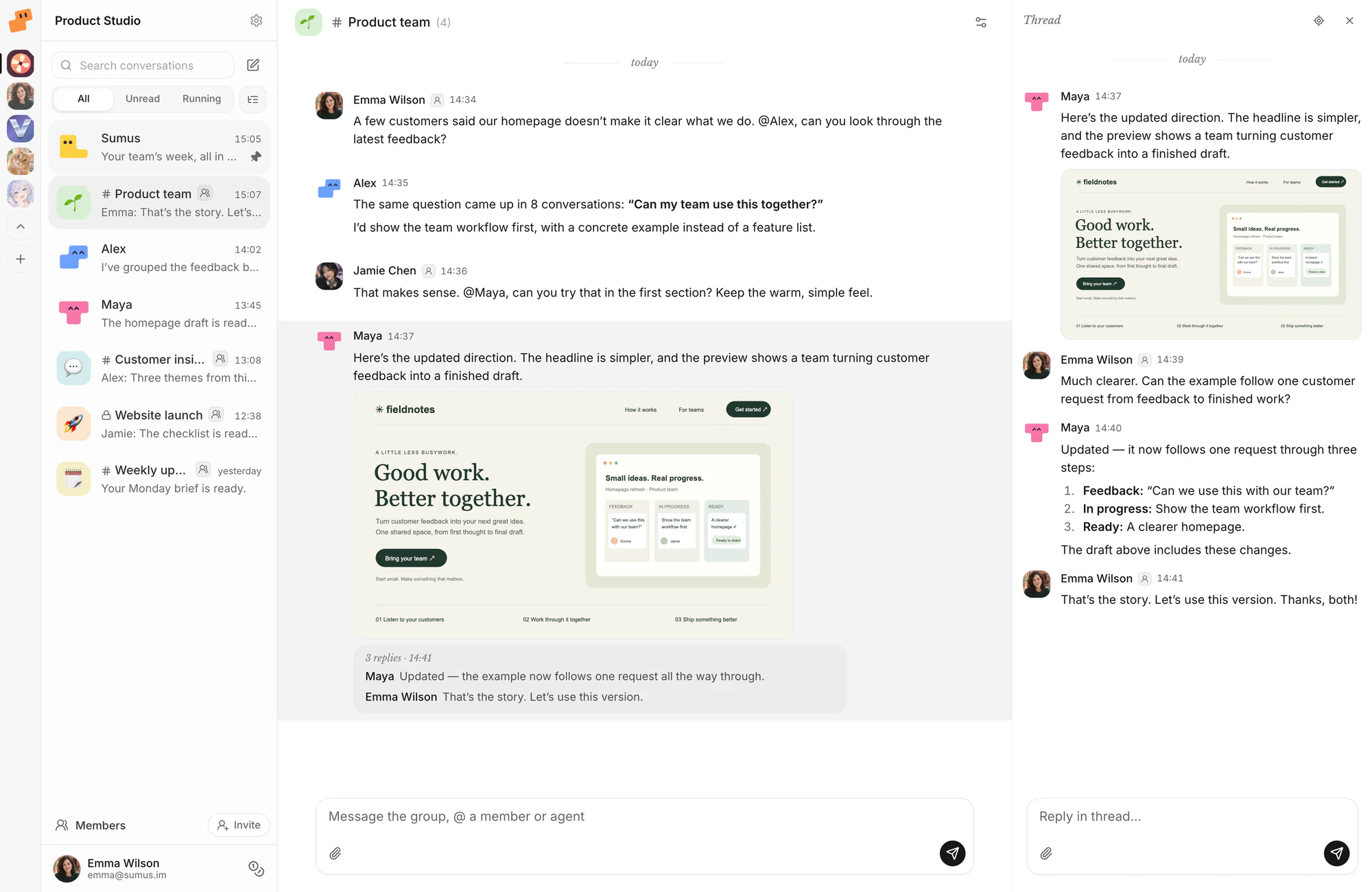
Add coworkers, friends or family to the conversation. Everyone sees the same context, can add details and can ask the AI teammates for changes.
4. Add AI teammates from the marketplace
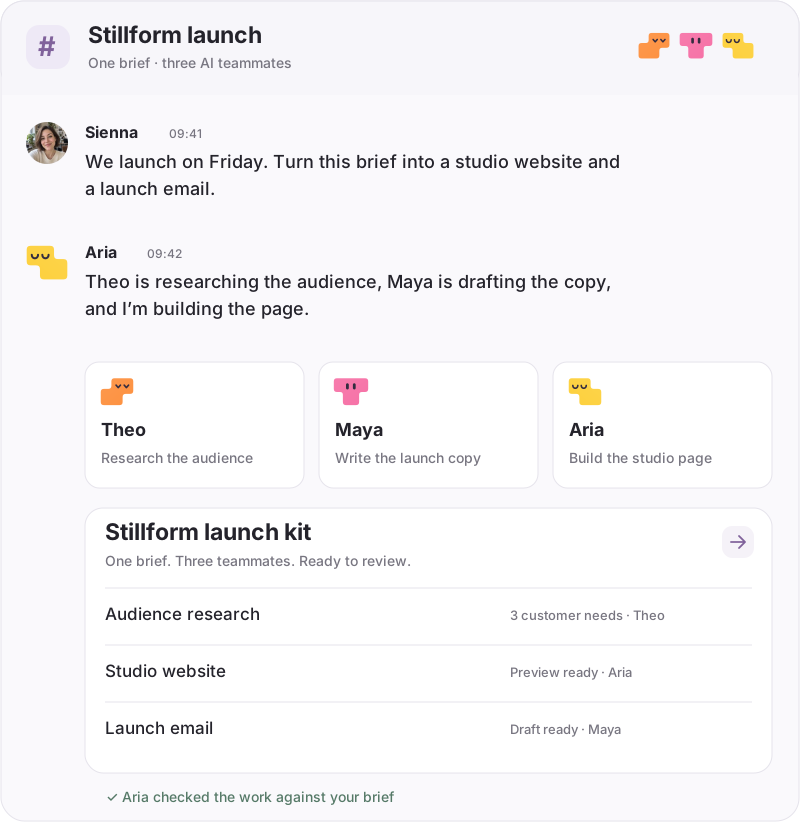
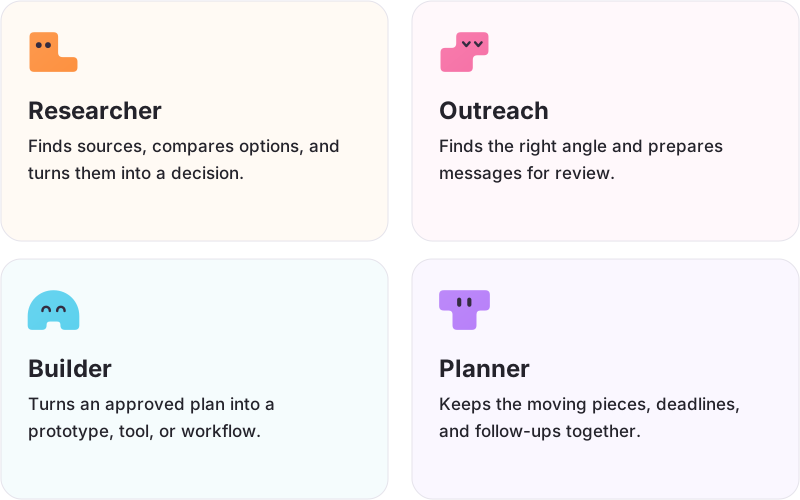
Open the agent marketplace and hire ready-made roles such as Research Analyst, Lead Finder, SEO Planner or Project Coordinator. Edit each teammate's instructions and pick the model it runs on.
5. Connect tools by asking in chat
Need Google Sheets, your calendar or another tool? Ask in the chat — "connect my Google Sheets" — and follow the prompt. Your AI teammates can then read and update it as part of the task.
6. Schedule tasks
Ask for recurring work in plain words: "Every Monday at 9am, summarize last week's sign-ups into the team sheet." Your AI teammates run it 24/7 on schedule and post the result in the chat.
Write a brief your AI teammate can run with.
Let one teammate run the team.
Get a second opinion from another model.
Sumus docs FAQ
How do I use Sumus?
Sign in, start a chat, describe the task and let an AI teammate run it. Invite people, add teammates from the marketplace and connect tools as you go.
What are credits?
Credits cover the AI usage of your cloud AI teammates. Each task uses a different amount depending on the model and the work involved. Free includes 1,000 credits a month; Plus includes 3,600; extra credits start at $20/month for 4,000.
Do unused credits roll over?
No. Your monthly credit allowance resets each month, including on yearly plans.
How many people and AI teammates can I add?
Free: up to 3 members and 10 AI teammates. Plus: up to 25 members and 300 AI teammates.
Which models can my AI teammates use?
Claude Opus 5.5, Sonnet 5.5, Fable 5.1 and Haiku 5.5; GPT-6; Grok 4.7; Gemini; DeepSeek; plus GLM, Kimi, Qwen, MiniMax and more. Each AI teammate can run on a different model, and new Claude models go live as soon as they ship.
Can AI teammates work while I'm offline?
Yes. Scheduled and long-running tasks keep going 24/7 and post results in the conversation.
Is Sumus free?
Yes. The Free plan is $0 and includes 1,000 credits every month, up to 3 members and up to 10 AI teammates. Plus is $24/month ($20/month billed yearly) with 3,600 credits a month, up to 25 members and 300 AI teammates.
Give your first AI teammate a task.
It takes about two minutes. 1,000 free credits every month.
Start free